
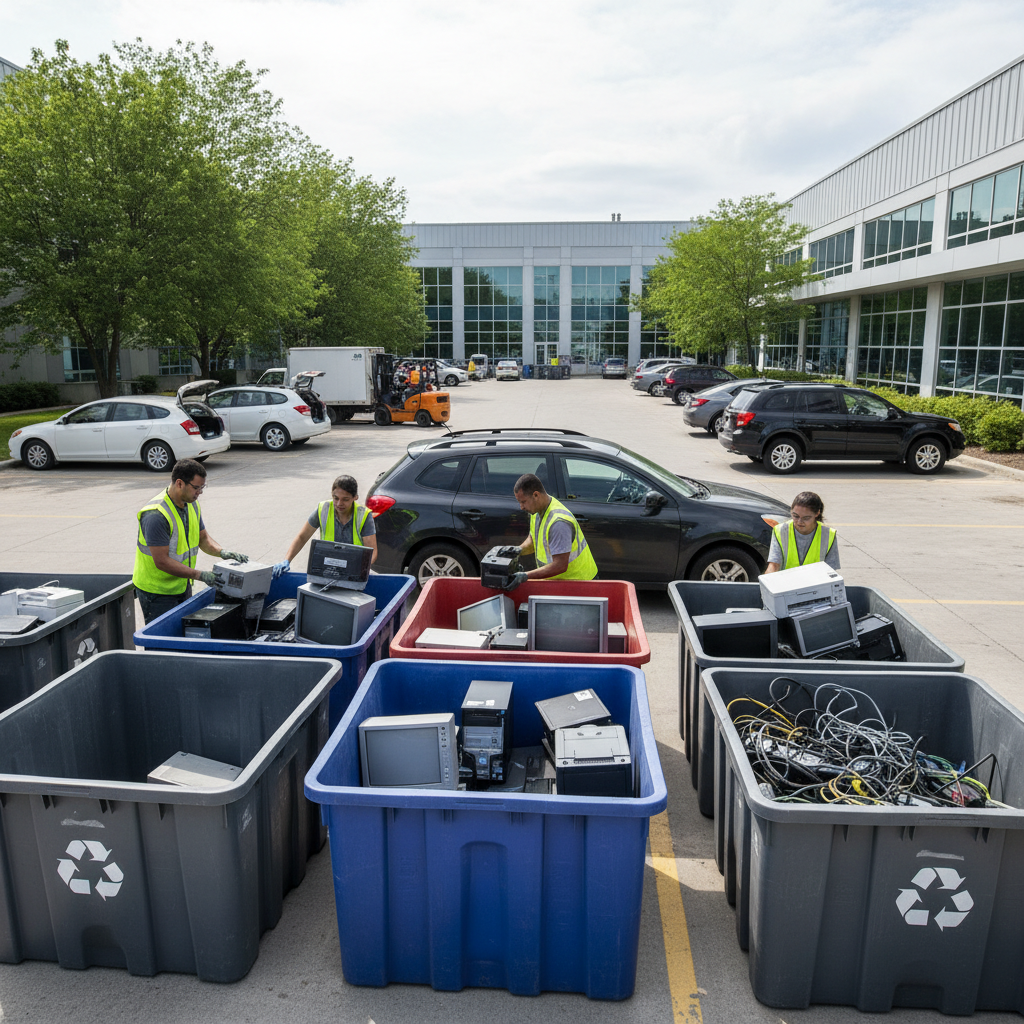
Electronic waste recycling centers are facilities that collect, sort, and responsibly process old electronics so reusable metals and plastics re-enter manufacturing while hazards are removed. At 407 Rexdale Blvd in Etobicoke, Quick Scrap Metal serves Toronto with a convenient, one-stop e-waste and scrap drop-off that keeps devices out of landfills and gets clutter out of your way.
By Preet Dass • Last updated: April 24, 2026
At a Glance
This complete guide explains what electronic waste recycling centers do, how to prep devices in minutes, which items they accept, and what happens to your materials next. You’ll also find local Etobicoke tips, a quick prep checklist, a comparison of disposal options, and examples from Quick Scrap Metal’s 407 Rexdale Blvd drop-off.
- What e-waste centers are and why they matter in the GTA
- How a center works: intake to material recovery
- Accepted electronics, batteries, and related materials
- Data-wiping and battery safety made simple
- Local considerations for Etobicoke and Toronto
- Actionable checklists, comparisons, and mini case snapshots
What Are Electronic Waste Recycling Centers?
Electronic waste recycling centers are specialized facilities that receive end‑of‑life electronics, remove data-bearing components safely, and recover metals, plastics, and glass for reuse. They mitigate environmental risks by isolating batteries and hazardous parts while channeling high‑value scrap, such as copper and aluminum, back into circular supply chains.
In simple terms, an electronic waste recycling center is a sorting and recovery hub for phones, computers, TVs, printers, and other electrical items. The aim is twofold: protect people and the environment, and capture valuable materials like copper, aluminum, steel, and circuit-board metals for reuse.
- Core purpose: Divert electronics from landfills and extract reusable materials.
- Common devices: Laptops, desktops, displays, printers, small appliances with circuit boards, cables, and peripherals.
- Safety focus: Batteries and screens are handled separately to prevent fire and contamination.
- Local fit: At 407 Rexdale Blvd, Quick Scrap Metal operates a convenient, customer-friendly drop-off for households, trades, and businesses.
Because Quick Scrap Metal also buys and sells scrap metal, the site can consolidate mixed loads—electronics, appliances, and metals—in one stop, streamlining your cleanup. For ongoing education on devices and materials, explore our electronic waste insights.
Why E‑Waste Recycling Matters in Etobicoke and Toronto
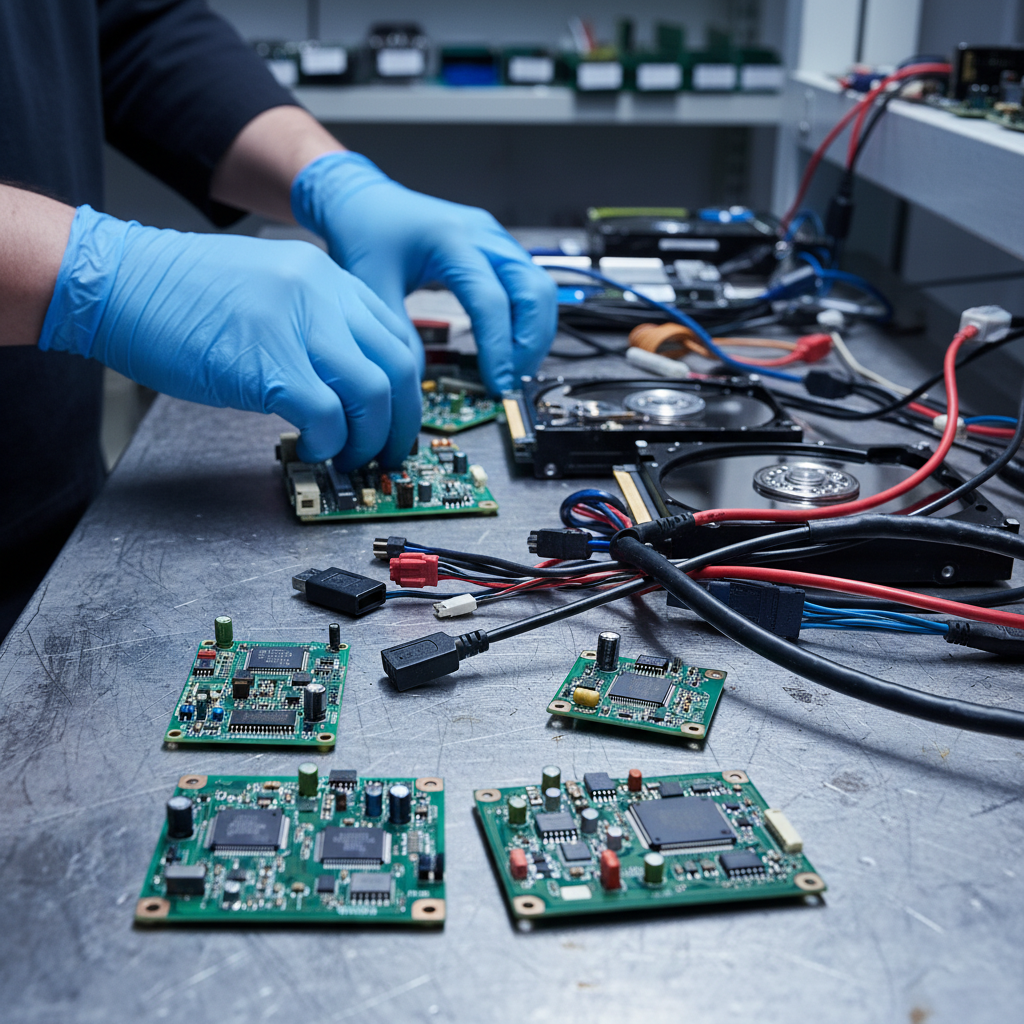
E‑waste recycling protects people and neighborhoods by keeping batteries and hazardous components out of landfills and recovering valuable metals for reuse. In Etobicoke and the broader Toronto area, convenient drop‑off at 407 Rexdale Blvd reduces illegal dumping, cleans up homes and job sites, and supports a more circular local economy.
Most electronics contain recoverable metals and plastics that can be fed back into manufacturing. When devices sit in basements or head to landfill, those materials—and the energy already embedded in them—are lost. Worse, improperly handled batteries can cause fires. Responsible recycling addresses both issues.
- Neighborhood impact: Fewer curbside dumps and safer storage areas in homes, condos, and shops.
- Material recovery: Copper, aluminum, and steel are reclaimed and re‑used, supporting industry while reducing waste.
- Convenience factor: Quick Scrap Metal is open late on weekdays and open Sundays, reducing “I’ll do it later” delays.
- One-stop approach: Combine electronics, appliances, and scrap metal in a single drop—fast and simple.
We see three common triggers for e‑waste drop-offs: spring cleaning, business IT refresh cycles, and home renovation projects. If you’re planning a renovation, line up disposal early and stage a safe loading area to avoid tripping hazards around tools and materials.
Local considerations for Etobicoke
- Schedule drop-offs around weekend errands near Woodbine Mall & Fantasy Fair to save time and consolidate trips.
- Winter brings snow and salt: pack devices in bins and use moving blankets so moisture doesn’t enter ports or battery bays.
- Busy job sites benefit from a quick staging plan; mark boxes “batteries,” “data,” and “screens” to speed unloading at the yard.
How an Electronic Waste Recycling Center Works (Step-by-Step)
An e‑waste center follows a clear workflow: check-in, safety triage, data and battery isolation, category sorting, dismantling, material recovery, and shipping to downstream processors. Each stage reduces risk, improves material purity, and makes your drop‑off faster and safer at the unloading area.
While each facility is unique, the operational flow is consistent. Here’s how your devices move from trunk to transformation when you arrive at 407 Rexdale Blvd.
- Check-in and guidance: Staff direct you to the proper lane and unloading zone.
- Safety triage: Devices are screened for obvious battery swelling, cracked screens, or leaking components.
- Data isolation: Storage devices (HDDs/SSDs) are separated for wiping or secure downstream handling.
- Battery isolation: Loose and embedded batteries are collected in fire‑resistant containers.
- Category sorting: Laptops with chargers, desktops, monitors, printers, small appliances, cables, and PCBs are grouped.
- Dismantling and depopulation: Reusable parts and hazardous elements are removed.
- Material recovery prep: Plastics, steel, aluminum, copper, and board fractions are prepared for processors.
- Shipping and documentation: Consolidated bales and totes move to certified downstream partners.
Because Quick Scrap Metal is also a leading buyer and seller of scrap metal, mixed loads that include non‑ferrous and ferrous metals can be routed efficiently alongside electronics—helpful for trades and renovators doing an all‑in cleanup. If you’re bringing mixed materials, skim our scrap metal recycling tips for smoother unloading.
What Electronic Waste Recycling Centers Accept
Most centers accept common electronics such as laptops, desktops, monitors, printers, cables, peripherals, and many small household devices with circuit boards. Quick Scrap Metal also takes appliances and mixed scrap, making it a convenient single stop for electronics, metals, and related items.
Before you load your vehicle, scan this quick list. If it has a circuit board, plug, battery, or cord, there’s a good chance it qualifies. When in doubt, call ahead or bring it along for staff to assess.
Accepted electronics and components
- Laptops, desktops, small servers, and all-in-ones
- Monitors and TVs (LCD, LED, plasma)
- Printers, scanners, and multifunction devices
- Keyboards, mice, webcams, speakers, and headsets
- Smartphones, tablets, e‑readers, and chargers
- External drives, SSDs/HDDs, routers, and modems
- Game consoles, set‑top boxes, DVD/Blu‑ray players
- Printed circuit boards (PCBs) and computer parts
- Power supplies, cables, and extension cords
Appliances and related items often accepted
- Microwaves, range hoods, and dishwashers
- Washers, dryers, and ovens/stoves
- A/C units, dehumidifiers, and compressors
- Old tools, lawn mowers, and snow blowers
- Heating ducts and electrical heaters
For comprehensive material lists and sorting help, our Etobicoke recycling center hub and ferrous recycling guide cover what to bundle together versus separate for speed at the scale.
Best Practices Before You Drop Off Electronics
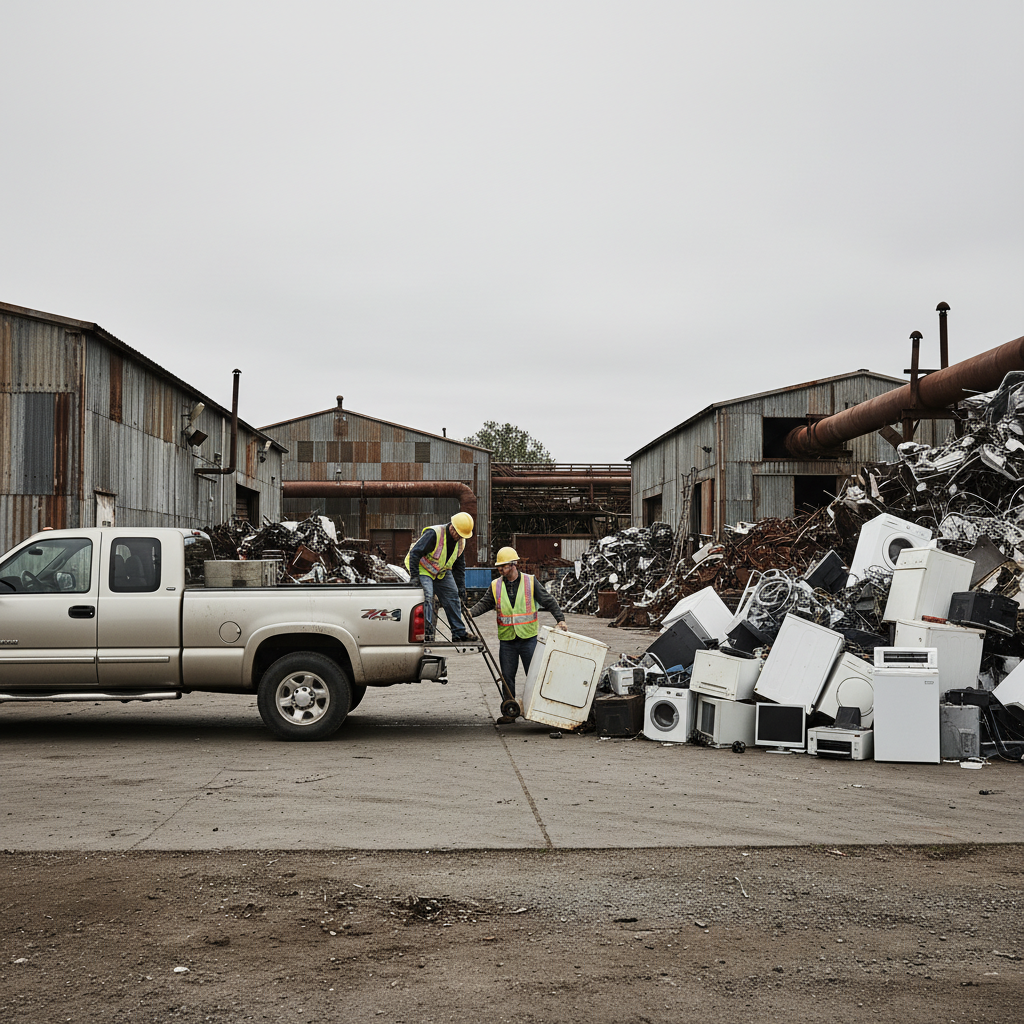
A 10‑minute prep makes your drop‑off faster and safer: back up files, sign out of accounts, remove storage drives if you prefer, bag loose batteries, and coil cables. Label boxes by category so unloading at 407 Rexdale Blvd takes just a few minutes per stop.
Quick prep checklist
- Back up and sign out: Save what you need, then sign out of email, cloud services, and device‑locking tools.
- Factory reset: On phones and tablets, remove SIMs and perform a factory reset.
- Optional removal: If you prefer physical control of data, remove HDDs/SSDs from desktops or laptops.
- Battery safety: Tape exposed terminals with non‑conductive tape; place loose cells in a separate bag.
- Cable control: Coil and rubber‑band cords; label chargers to avoid tangles at the unloading area.
- Box by category: “Data,” “Batteries,” “Screens,” and “Mixed cables” speed up sortation.
- Transport tips: Keep devices flat, avoid stacking heavy items on screens, and protect ports from moisture.
If you’re bundling electronics with metal offcuts from a job, separating non‑ferrous items like copper wire improves downstream handling. Our scrap preparation guide shows simple ways to organize loads efficiently.
Data Security and Battery Safety
Protect your privacy by signing out of accounts, removing or wiping storage, and labeling any boxes that contain drives. Handle batteries as potentially hazardous: tape terminals, don’t crush, and flag swollen packs. Keep drives and batteries separate at check‑in for faster, safer handling.
Simple data‑wiping approaches
- Phones/tablets: Disable “Find My” or similar tools, remove SIM/SD cards, and perform a factory reset.
- Windows/macOS laptops: Use system reset functions; for deeper peace of mind, remove the SSD/HDD.
- Desktops/servers: Pull drives if desired; bring them in a separate, clearly labeled box.
Battery handling must‑knows
- Keep terminals covered: Use non‑conductive tape on 9V and other exposed terminals.
- Isolate swollen packs: Do not puncture; place in a fire‑resistant container and notify staff.
- Transport separately: Loose cells should travel in their own bag or container, away from metal tools.
When electronics, appliances, and metals are dropped together, a little organization goes a long way. For mixed ferrous/non‑ferrous loads, see our metal recycling overview to minimize handling time at the yard.
Alternatives to Centers and How They Compare
If a device still works, donation or resale may be best. For broken, outdated, or battery‑compromised items, an electronic waste recycling center offers the safest, most complete material recovery. Use the quick comparison below to choose the right path for each device you own.
E‑waste options compared
| Option | Best For | Data Handling | Items Accepted | Speed |
|---|---|---|---|---|
| Electronic waste recycling center | Broken, obsolete, or unsafe devices; mixed loads | User wipes/signs out; drives isolated on arrival | Wide range incl. monitors, PCs, small appliances | Fast, same‑day drop‑off |
| Donation (local charities) | Working devices with remaining life | Factory reset recommended before donating | Limited to working items | Moderate (varies by charity) |
| Resale/Trade‑in | Recent models in good condition | User responsibility; reset and sign out | Selective (model/year dependent) | Moderate to fast |
If your gear is still functional, you can explore resale routes. For example, see how to sell electronics online as a way to extend product life before responsible end‑of‑life recycling.
Tools and Resources for Smarter E‑Waste Recycling
Use simple tools—a phone for photos, permanent markers, packing tape, and a few sturdy bins—to prep electronics quickly. Reference device manuals for reset steps, and keep a running note of what you dropped off at 407 Rexdale Blvd for your personal records or asset tracking.
Handy prep tools
- Smartphone photos of serial numbers and the device condition
- Zip-top bags and bins to separate batteries, cables, and drives
- Non‑conductive tape for terminals and labels for quick sorting
- Work gloves and moving blankets to protect screens
Reference and planning resources
- Our evolving e‑waste articles centralize device‑specific tips.
- Renovating in Etobicoke? Plan end‑of‑life for appliances and wiring alongside your project timeline, especially during kitchen overhauls; see local examples of kitchen renovation work.
- For those coordinating large cleanups, bookmark the Etobicoke recycling center tag to track hours and updates.
Soft CTA: Got a mixed load of electronics, appliances, and scrap metal? Swing by Quick Scrap Metal at 407 Rexdale Blvd. We’re open late on weekdays and open Sundays—drop off when it fits your schedule.
Real‑World Examples from Quick Scrap Metal
From condo cleanouts to contractor offcuts, Quick Scrap Metal’s one‑stop model makes mixed drop‑offs simple. Households clear closets, trades bring cables and tools, and offices swap old PCs for new—electronics, appliances, and metals get sorted fast at 407 Rexdale Blvd with on‑the‑spot guidance.
Household: Spring refresh
- Items: Two laptops, a cracked tablet, a box of chargers, and a microwave.
- Approach: Backed up files, signed out, reset handhelds; taped terminals on loose batteries.
- Outcome: Five-minute unloading; devices sorted into data, battery, and small appliance streams.
Tradesperson: Renovation bundle
- Items: Extension cords, range hood, old tools, wiring offcuts, and a broken display.
- Approach: Separated non‑ferrous wire, boxed batteries, coiled cables.
- Outcome: Quick sort; metals routed to non‑ferrous/ferrous bins and electronics to dismantling.
Small office: IT cycle
- Items: Desktops, LCDs, keyboards, mice, and routers.
- Approach: Sign‑out policy and basic resets; drives isolated in a labeled box.
- Outcome: Rapid intake; devices staged for data handling and component recovery.
Working with mixed materials? Our iron scrap guide and ferrous recycling tag show how to separate heavy items, so your electronics don’t get crushed in transit.
Tying E‑Waste to the Circular Metals Economy
E‑waste is a metals story, too. Circuit boards, cables, and casings contain copper, aluminum, steel, and specialty alloys. By routing electronics through a center that also buys and sells scrap, you amplify recovery efficiency and reduce the need for virgin extraction.
Quick Scrap Metal’s broader scrap expertise helps mixed loads move cleanly. When electronics arrive alongside copper wire, stainless fixtures, or auto cast, staff can triage both streams. To explore the metals side of the loop, visit our scrap metal recycling in Etobicoke hub.
Frequently Asked Questions
These quick answers cover what to bring, how to prep data and batteries, and how mixed loads work at 407 Rexdale Blvd. For anything unusual, bring it along—staff will help you sort it safely and fast.
What should I do before recycling a laptop or phone?
Back up files, sign out of all accounts, remove SIM/SD cards, and perform a factory reset. If you prefer, remove the SSD/HDD and bring it separately in a labeled box. Keep chargers and cables coiled so unloading is quick.
Can I drop off batteries with my electronics?
Yes—place loose batteries in a separate bag and tape exposed terminals. Flag any swollen or damaged packs for staff. Keeping batteries separate speeds your check‑in and supports safer handling and transport.
Do you accept broken TVs and monitors?
Broken screens are accepted. Transport them upright, avoid stacking heavy items on top, and cushion fragile corners. On arrival, screens are handled separately to reduce risk and prepare glass and plastics for downstream recovery.
Can I combine electronics with scrap metal or appliances?
Absolutely. Quick Scrap Metal is set up for mixed loads. Separate boxes for drives, batteries, and screens help staff sort electronics while metals and appliances move to their respective bins, saving time on busy days.
What if my device still works—should I recycle or resell?
If it still works, consider reselling or donating to extend the device’s useful life. When it’s truly end‑of‑life or unsafe to use, bring it to an electronic waste recycling center so materials can be recovered responsibly.
Conclusion and Next Steps
Electronic waste recycling centers turn clutter into resources while minimizing risk. Prep your devices, separate batteries and data, and use Etobicoke’s 407 Rexdale Blvd drop‑off to keep materials in the loop. One organized trip clears space at home or job sites—safely and fast.
- Back up, sign out, and reset handhelds before you go.
- Bag batteries and label any boxes with storage drives.
- Stage mixed loads so electronics, metals, and appliances unload smoothly.
- Drop off at Quick Scrap Metal—open late on weekdays and open Sundays.
Key takeaways
- Electronic waste recycling centers safely recover materials from end‑of‑life electronics.
- Quick Scrap Metal’s Etobicoke yard streamlines mixed loads in one stop.
- Simple prep—data, batteries, and labeling—makes drop‑offs faster.
- If a device still works, consider resale or donation before recycling.
Renovations often generate appliances, wiring, and e‑waste simultaneously. If you’re planning work in Etobicoke, coordinate disposal alongside project milestones—local examples of home renovation activity are a good reminder to plan end‑of‑life flows early.