
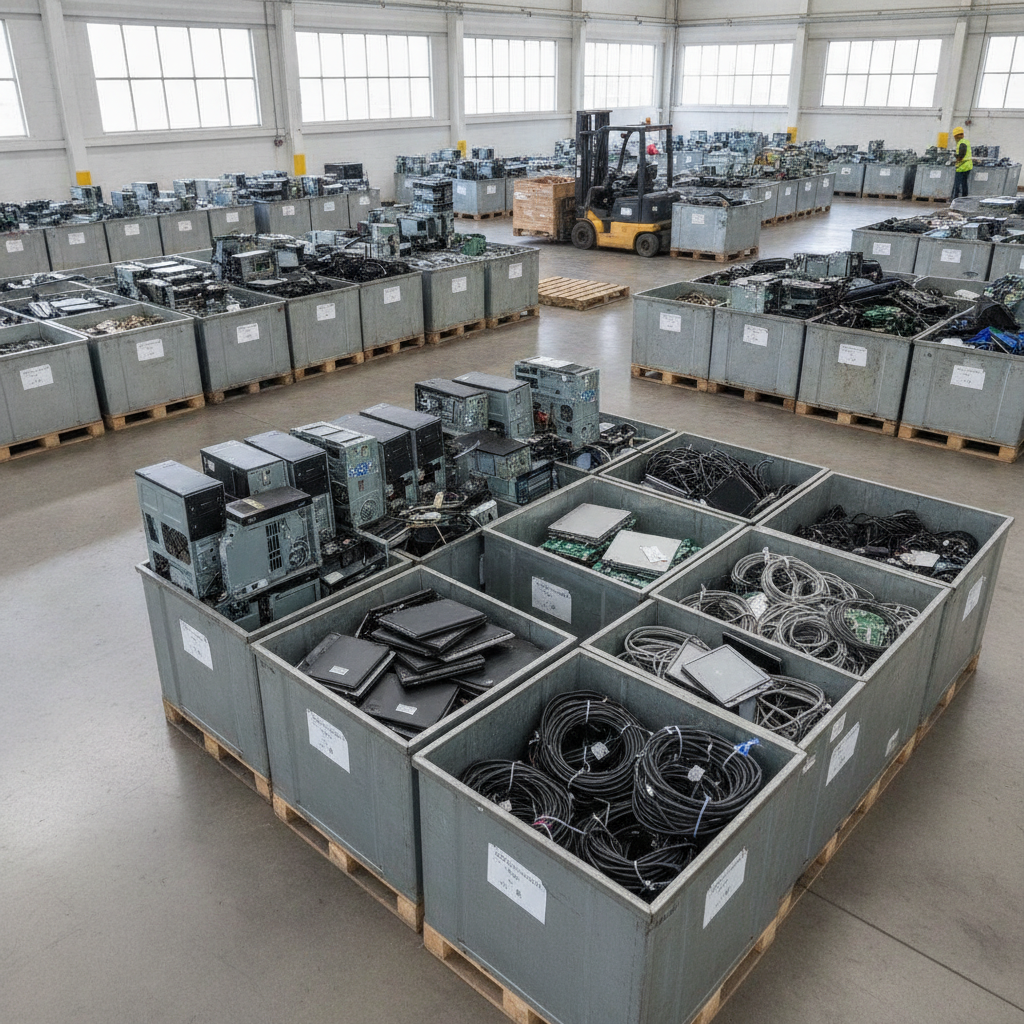
E-waste computer recycling is the responsible recovery of materials from old desktops, laptops, and accessories so they don’t end up in landfills. At Quick Scrap Metal (407 Rexdale Blvd, Etobicoke), we accept computers and related electronics for safe handling and recycling, and we help you protect personal data before drop-off. This guide shows exactly how.
By Preet Dass — Quick Scrap Metal
Last updated: 2026-06-14
Overview and Table of Contents
This complete guide explains how to prepare, wipe, and recycle old computers in Etobicoke and the Toronto area. You’ll see step-by-step data protection, safe packing, where to drop off at 407 Rexdale Blvd, and how recycling compares to other options. Use it for home cleanouts, office refreshes, or seasonal decluttering.
Use this quick overview to jump to what you need.
- What e-waste computer recycling means and why it matters
- How the process works at a local scrap yard in Etobicoke (Toronto)
- Data destruction steps you can do at home (NIST-aligned)
- Drop-off vs. municipal depots vs. mail-in kits (comparison)
- Best practices and checklists for households and businesses
- Local tips, FAQs, and next steps
Related internal resources you may also find helpful include our electronics recycling services in Etobicoke and our broader e‑waste recycling guide for the GTA.
What Is E‑Waste Computer Recycling?
E‑waste computer recycling is the collection and processing of used desktops, laptops, and peripherals to recover metals and components, divert hazardous materials from landfills, and protect data. The goal is safe reuse or material recovery while minimizing environmental impact and ensuring your private information isn’t exposed.
In plain terms, we take in computers, sort parts, remove batteries, and separate reusable metals and components from hazardous items. This reduces landfill waste and supports circular manufacturing. For example, aluminum cases and copper wiring are reclaimed, while lithium batteries are routed to specialized handlers.
- What counts as “computer e‑waste”? Desktops, laptops, Chromebooks, all‑in‑ones, towers, small form factor PCs, keyboards, mice, power supplies, cables, and monitors.
- What’s not accepted? Items containing liquids or biohazards. If unsure, call ahead; mixed household scrap is often accepted separately.
- Why it matters: Metals like copper and aluminum can be recycled many times, cutting mining impacts and saving energy.
At Quick Scrap Metal, computers are part of a larger acceptance list that also includes all scrap metal recycling and appliances. That means one stop for your mixed loads.
Why Recycling Computers Matters (Environment + Security)
Recycling computers conserves valuable metals, keeps hazardous components out of landfills, and reduces energy use compared to mining virgin materials. It also protects your privacy: proper data wiping or drive destruction reduces the risk of data exposure when devices change hands.
Electronics contain recoverable metals such as copper, aluminum, and steel. Reusing those materials reduces demand for new extraction and lowers emissions tied to manufacturing. Batteries and certain circuit elements also require controlled handling; responsible recycling ensures they’re processed safely.
On the security side, data-bearing devices should never leave your possession without a wipe plan. Drives store personal files, saved passwords, and business records; that’s why an intentional wipe or physical destruction step is essential before you donate or recycle.
A global snapshot helps frame the issue. As noted by the Global E‑waste Monitor, e‑waste volumes continue to climb worldwide, making community-level recycling capacity increasingly important. In North America, guidance from the U.S. EPA on electronics recycling emphasizes reuse and proper end-of-life management. For data, the NIST 800‑88 standard outlines clear methods to sanitize storage media.
How Computer Recycling Works in Etobicoke (Toronto GTA)
Bring old computers and accessories to Quick Scrap Metal at 407 Rexdale Blvd in Etobicoke. We sort, depollute, and route materials for responsible recycling; you focus on safe data prep and simple packing. The process is fast, local, and built for household and business drop‑offs.
Here’s the basic local flow we follow for computers and related electronics.
- Arrival and unloading: Pull into the yard off Rexdale Blvd. Our team helps direct unloading. Typical visit time is minutes, not hours.
- Quick triage: Devices are grouped by type: towers, laptops, monitors, and mixed accessories (keyboards, mice, cables).
- Hazard separation: Batteries and certain components go to dedicated containers to prevent damage and fires.
- Metals and components recovery: Aluminum cases, copper wiring, and steel frames are separated for recycling streams.
- Downstream routing: Materials move to specialized processors. This keeps reuse paths and material recovery efficient.
Pro tip: Batch old laptops, chargers, and cables in sturdy boxes. Bundled cables are easier to handle and prevent snags.
Local considerations for Etobicoke
- Plan drop‑offs outside weekend peaks if you prefer quieter lanes; late weekday hours help you avoid traffic near Woodbine Mall & Fantasy Fair.
- Winter brings slush and salt. Use sealed tubs or bags to keep small parts dry and to stop corrosion on exposed metal.
- If you’re coordinating a business cleanout, stage items near an entrance and pre‑bundle cables for faster unloading at the yard.
Need help with non‑computer items in the same load? Check accepted categories in our scrap metal recycling in Etobicoke guide and our electronic waste recycling centers page.
Data Destruction and Privacy: Do This Before You Drop Off
Back up what you need, sign out of accounts, then sanitize or remove storage drives. NIST 800‑88 recognizes three methods—Clear, Purge, Destroy. For most home users, a full overwrite (Clear) is practical; for sensitive data, remove the drive for Purge/Destroy or ask a pro.
Below is a concise, repeatable workflow you can complete in under an afternoon for a handful of computers.
- Back up essentials: Copy documents and photos to a fresh external drive or cloud folder. Verify by opening a few files.
- Sign out and de‑authorize: Email, browsers, and app stores often retain sessions. Log out and de‑register the device.
- Disable “Find My” or similar: Turn off tracking/lock services so devices can be processed without account holds.
- Decide wipe vs. remove: If you can access the OS, run a full‑disk overwrite. If not, remove the drive and handle separately.
- Wipe (Clear): Use a reputable tool to overwrite the entire drive at least once. SSDs may need manufacturer utilities.
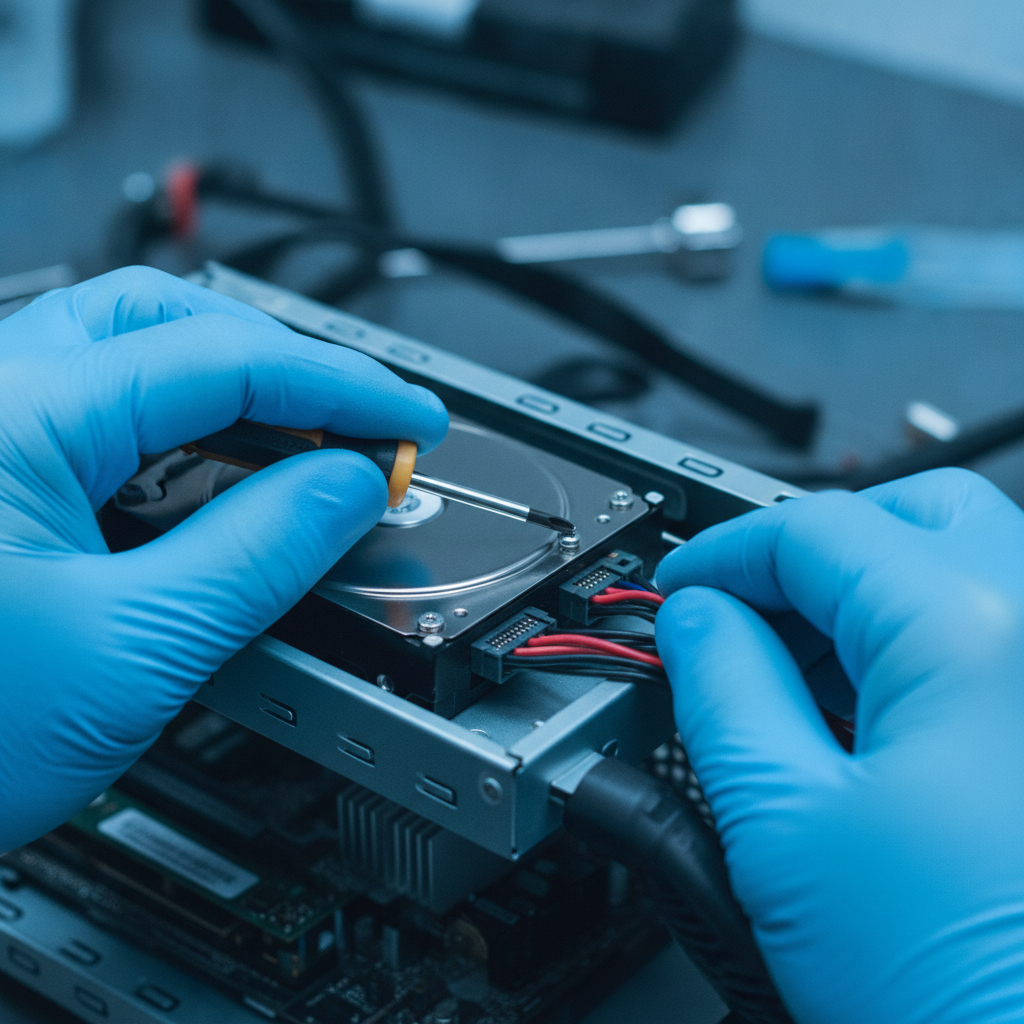
- Remove (for Purge/Destroy): Open the case, unscrew the 2.5″/3.5″ drive, and store it in an anti‑static bag for separate handling.
- Final check: Power on once more to confirm no personal files remain if you performed a software wipe.
For standards language and definitions, see NIST SP 800‑88 Rev. 1. If you’re a business with compliance needs, build this checklist into your off‑boarding process.
Approaches and Where to Recycle: Drop‑Off vs. Depot vs. Mail‑In
Most households choose local drop‑off for speed and convenience. Municipal depots work for periodic cleanups but may have schedules and item limits. Mail‑in kits are handy for a single laptop or drive, though you’ll wait on shipping. Pick the route that fits volume and urgency.
Use this side‑by‑side to pick the path that matches your situation.
| Option | Best For | Turnaround | Pros | Considerations |
|---|---|---|---|---|
| Quick Scrap Metal Drop‑Off | Households & small businesses with mixed electronics and metals | Same‑day | Fast unloading; accepts computers, peripherals, plus metal & appliances in one stop | Prepare data and pack properly before you arrive |
| Municipal Depot | Occasional neighborhood cleanups | Varies by schedule | Community option; may accept a range of e‑waste | Hours, item limits, and proof‑of‑residency rules may apply |
| Mail‑In Kit | One device or single drive | Several days | Convenient if you can’t travel | Shipping time; pack carefully to prevent damage |
Bringing a mixed load? We can take computers alongside household scrap removal items, appliances, and more. See our computer recycling center guide for prep details.
Best Practices and Checklists (Home and Business)
Keep it simple: make a short list, wipe or remove drives, and pack items tightly. For businesses, document device serials and require a wipe sign‑off. Combining good prep with local drop‑off saves time and helps ensure efficient, responsible recycling every time.
Household checklist (10 steps)
- List each device (laptop, tower, monitor, printer, cables).
- Back up personal files you still need.
- Sign out of email, browsers, and app stores.
- Disable tracking/activation locks.
- Decide: wipe drive or remove it.
- Bundle cables with twist ties or tape.
- Use a sturdy box; cushion with newspaper or bubble wrap.
- Separate batteries in a small container.
- Label fragile screens and keep them upright.
- Load heaviest items closest to the vehicle cab.
Small business checklist (8 steps)
- Export device inventory (serials/asset tags).
- Back up shared folders and confirm restores.
- De‑provision users and revoke access tokens.
- Wipe per policy or remove drives for centralized destruction.
- Record who completed which step (initials/date).
- Stage equipment on carts near the exit.
- Bundle cables; box small accessories by team.
- Schedule drop‑off when traffic is light.
For accepted electronics and mixed metals, review our e‑waste acceptance list and the broader scrap and metal categories you can bring in one run.
Tools and Resources You Can Trust
Use trustworthy wipe utilities, simple packing materials, and official guidance. Household users can rely on one‑pass overwrites; businesses should align with policy and NIST 800‑88. Keep anti‑static bags for loose drives and a marker for labeling boxes and screens.
- Data wipe utilities: Full‑disk overwrite/secure erase tools; many SSD makers offer their own.
- Hardware basics: Phillips screwdriver set, anti‑static wrist strap, anti‑static bags.
- Packing: Sturdy boxes, bubble wrap, painter’s tape to mark “screen” and “fragile.”
- Documentation: A one‑page checklist with device names and a wipe/removal column.
- Authoritative guidance: See EPA electronics recycling and the NIST 800‑88 media sanitization standard.
If you’re boxing up more than computers, our team can also help with appliances and other metals in the same visit. Check our electronics recycling services for details.
Case Studies and Real‑World Examples
From single laptops to office refreshes, efficient prep plus a local drop‑off saves time. These mini case studies show how Etobicoke homeowners and GTA businesses combined safe data steps with one‑stop recycling at 407 Rexdale Blvd to clear space without sacrificing security.
Etobicoke homeowner: spring declutter
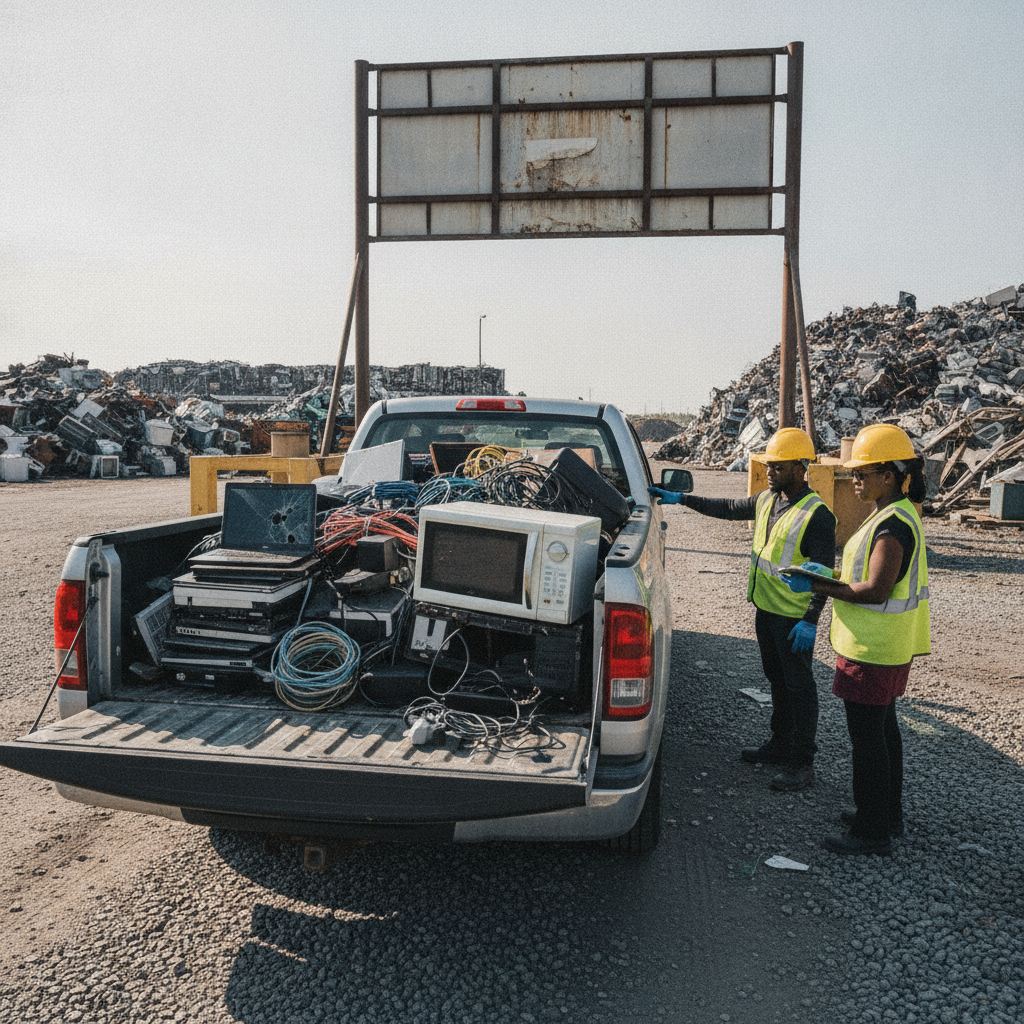
A homeowner near Flagstaff Park gathered two laptops, a tower, and a tote of chargers. They backed up files, signed out of accounts, removed one spinning hard drive, and packaged everything in two boxes. The drop‑off took under 20 minutes. They added a broken microwave to the load for one trip total.
Mississauga design studio: 8 workstations
After a hardware refresh, a small studio prepared eight desktops and accessories. The team used a shared checklist: back up, wipe, confirm. Drives that failed wiping were removed and bagged. The studio staged carts by the door and completed a same‑day drop‑off with monitors labeled “fragile.”
Brampton contractor: mixed load
A contractor clearing a storage unit brought three towers, several keyboards, and copper offcuts from a job. They bundled cables and boxed peripherals. Because Quick Scrap Metal accepts both e‑waste and metals, they avoided multiple stops and wrapped the errand in a single visit.
Frequently Asked Questions
Here are clear answers to the most common e‑waste computer recycling questions: what to bring, how to wipe drives, where to drop off, and how local recycling compares to depots or mail‑in programs. Each response is concise for quick voice and screen reading.
What should I do with my hard drive before recycling a computer?
Back up important files, sign out of accounts, then either run a full‑disk overwrite or remove the drive. NIST 800‑88 defines three methods—Clear, Purge, Destroy. Most home users perform a one‑pass overwrite; sensitive data owners remove the drive for separate handling.
Where can I recycle old computers in Etobicoke?
Drop off at Quick Scrap Metal, 407 Rexdale Blvd. We accept desktops, laptops, cables, and peripherals and can take mixed metal items in the same visit. See our computer recycling center guide for preparation tips.
Is recycling better than donating a working laptop?
If the laptop still works and is reasonably current, donation extends its life and reduces waste. If it’s broken or too old to be useful, responsible recycling recovers metals and keeps hazardous components out of landfills.
Do I need to remove the battery from my laptop?
If you can easily remove it, place the battery in a small bag or container. If it’s built‑in, bring the whole laptop intact. We’ll route batteries to proper containers so they’re handled safely during downstream processing.
Key Takeaways and Next Steps
Back up, sign out, wipe or remove the drive, then pack your gear and drop it off locally. Quick Scrap Metal’s Etobicoke yard takes computers plus mixed metals and appliances, so you can finish your cleanout in a single trip—fast, simple, and responsible.
- e waste computer recycling protects the environment and your privacy.
- NIST‑aligned data steps: Clear, Purge, Destroy—choose based on sensitivity.
- Local drop‑off at 407 Rexdale Blvd is quick and handles mixed loads.
- Pack tightly, label screens, and separate batteries for safe handling.
- Use our internal guides to confirm what else you can bring.
Conclusion: Recycle Computers Confidently in Etobicoke
With a short checklist and a local drop‑off, recycling old computers is straightforward. Prepare your data, pack safely, and bring everything to Quick Scrap Metal in Etobicoke. You’ll clear space, protect privacy, and keep valuable materials in circulation.
Have a mixed load with metals, appliances, and older electronics? Our yard near HWY 27 & Rexdale is built for one‑stop drop‑offs. Explore our electronics acceptance list and broader scrap categories, then plan your visit today.
Need help planning a business cleanout? We’ll walk you through preparation and unloading. Reach out via our electronics recycling services page.