

Last updated: October 2026
By Preet Dass • Refreshed October 30, 2026
What to know before you recycle electronics
Old electronics are more than household clutter. A laptop may contain a storage drive, circuit board, copper wiring, aluminum, steel, plastic, and a battery; a television may contain glass, wiring, boards, and other components that need a suitable processing stream. Keeping those materials out of the garbage allows recoverable resources to be separated and handled through appropriate recycling channels.
For Toronto and Etobicoke residents, the simplest plan is to prepare the devices at home, load them securely, and choose a drop-off route that accepts the whole collection. Quick Scrap Metal serves households, tradespeople, and small businesses from its yard at 407 Rexdale Blvd near HWY 27 and Rexdale.
- Back up important files and sign out of accounts before recycling a computer or phone.
- Factory-reset devices where possible, or remove and securely wipe storage drives.
- Keep loose batteries separate and tape exposed terminals.
- Pad TVs and monitors, keep them upright, and do not place heavy items on top.
- Separate computers, screens, cables, batteries, appliances, and metal-only items.
- Check the current accepted-item guidance before bringing an unusual or damaged device.
What is e-waste recycling?
E-waste recycling is the managed recovery of materials from discarded electrical and electronic equipment. Common examples include desktop computers, laptops, phones, tablets, televisions, monitors, printers, routers, game consoles, keyboards, mice, cables, power supplies, circuit boards, and small corded appliances.
The process normally begins with intake and sorting. Items may then be tested for reuse, dismantled so components can be separated, or sent to specialized processors that recover metals, plastics, and glass. The exact downstream route depends on the item, its condition, and the processor handling each material stream.
Ontario’s current framework is the Electrical and Electronic Equipment Regulation, O. Reg. 522/20. It replaced the former Waste Electrical and Electronic Equipment, or WEEE, program. The WEEE program ceased operations at the end of 2020 and is no longer the current program name. The provincial waste-management guidance explains the current regulatory context.
This distinction matters when you are searching for disposal instructions. Older pages may still use “WEEE,” but consumers should follow current municipal, producer, retailer, or recycling-facility instructions rather than assuming an old program is still operating.
Which items commonly count as e-waste?
Most devices that use a plug, battery, circuit board, display, or electronic control should be assessed as e-waste rather than placed in a Blue Bin or regular garbage. Typical household and business examples include computers, laptops, monitors, TVs, printers, phones, tablets, modems, routers, cables, chargers, gaming equipment, small audio equipment, and printed circuit boards.
Some appliances combine electronic parts with substantial metal. Microwaves, range hoods, dishwashers, and similar corded appliances may be suitable for a mixed recycling load, but separating them from small electronics helps the yard route materials efficiently. If an item contains a battery, screen, refrigerant, fuel, or other special component, ask before loading it.
Why should electronics stay out of the garbage?
Toronto’s electronic-waste guidance says unwanted electronics should not go in the Blue Bin or garbage. The city provides routes such as drop-off depots, collection options, community events, and reuse opportunities. Its electronic-waste guidance is useful when you have one item and are deciding between municipal service and a private drop-off.
There are three practical reasons to use a proper recycling channel. First, electronics can contain batteries and components that require controlled handling. Second, devices contain recoverable materials such as copper, aluminum, steel, plastics, and glass. Third, computers and phones may still hold personal, financial, customer, or business information after they appear unusable.
Recycling also solves a space problem. A single office refresh can produce towers, monitors, docking stations, keyboards, chargers, routers, and cable bundles. A household cleanout can combine old entertainment equipment with appliances and scrap metal. Sorting the load before departure makes one trip more manageable and reduces the chance that a useful item is left behind.
How e-waste recycling works at a drop-off
A useful drop-off process has two parts: preparation before you leave and correct routing when you arrive. At Quick Scrap Metal’s Etobicoke yard, bringing items in organized categories helps the team identify the appropriate stream and keeps fragile equipment from being buried under heavier material.
- Inventory the load. Make a quick list of computers, screens, cables, batteries, appliances, and metal. Identify anything damaged, swollen, leaking, or unusually large.
- Protect your data. Back up files, sign out of accounts, remove activation locks, and reset devices. For business equipment, follow your organization’s written media-destruction policy.
- Separate and pack. Put small electronics in boxes, coil cables, isolate batteries, and cushion screens. Keep heavier metal items away from fragile displays.
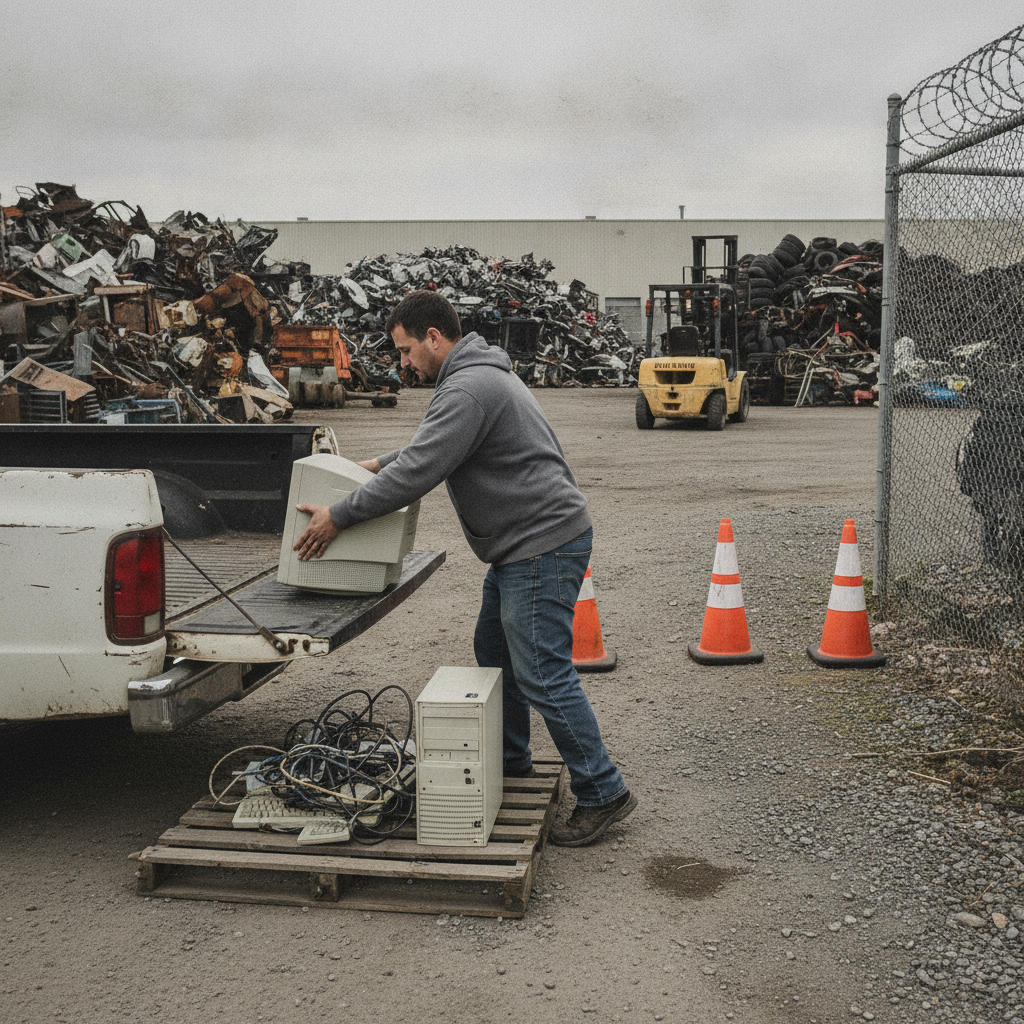
- Drive to the yard. Quick Scrap Metal is located at 407 Rexdale Blvd in Etobicoke, near HWY 27 and Rexdale. Secure the load so items cannot slide or fall during transport.
- Confirm categories at intake. Tell the team what you brought, especially if the load includes batteries, appliances, damaged equipment, or mixed scrap.
- Route materials for processing. Items are sorted into suitable categories for dismantling, component recovery, and downstream processing.
For accepted-item details and local preparation guidance, review the Etobicoke electronics recycling service information before you leave.
What Quick Scrap Metal commonly accepts
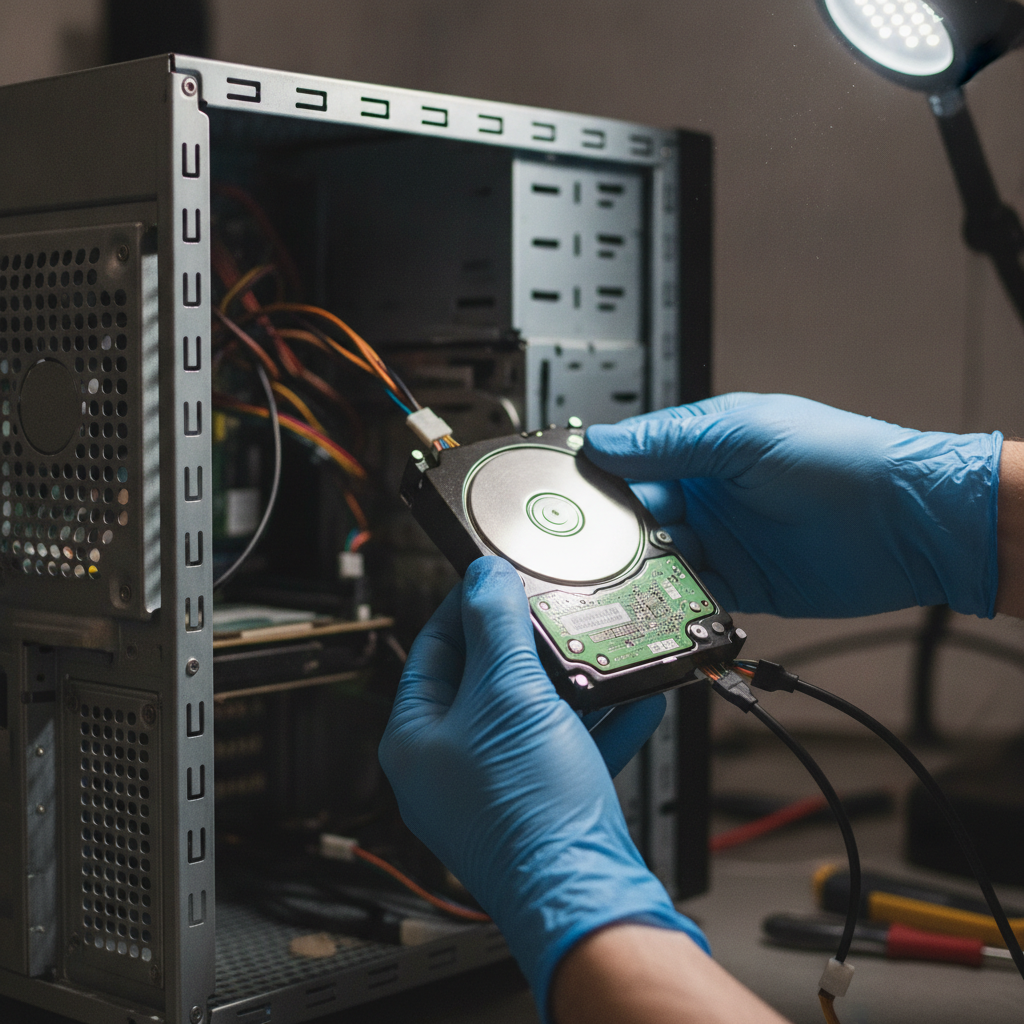
- Computers: desktop towers, small-form-factor PCs, laptops, all-in-ones, and related equipment.
- Displays: televisions and monitors, including LCD and LED units.
- Peripherals: printers, keyboards, mice, routers, modems, consoles, chargers, and power supplies.
- Wiring: HDMI, Ethernet, extension cords, power cables, and other cable bundles.
- Boards and components: printed circuit boards, fans, heatsinks, and electronic parts.
- Batteries: household and certain rechargeable formats, prepared with terminals protected.
- Corded appliances: items such as microwaves, range hoods, and dishwashers, subject to intake guidance.
For device-specific preparation, the computer recycling guide and TV recycling information for Etobicoke provide more focused checklists.
Drop-off stages and your responsibility
| Stage | Your responsibility | What happens next |
|---|---|---|
| Preparation | Back up data, reset devices, separate batteries, and protect screens. | The load is safer to transport and faster to identify. |
| Arrival | Keep categories visible and mention unusual or damaged items. | Items can be directed to the appropriate intake area. |
| Sorting | No dismantling is required at the yard. | Computers, displays, wiring, appliances, boards, and batteries are separated. |
| Processing | No further action is normally needed from the customer. | Recoverable materials move through suitable downstream processing. |
How to protect data before recycling a device
Data deletion is your responsibility before drop-off. A device can retain information on an internal hard drive, solid-state drive, memory card, phone, tablet, printer, router, or removable USB device even when its screen is broken or its operating system no longer starts.
- Back up what you need. Copy documents, photographs, contacts, and authentication information to an approved cloud service, external drive, or business system.
- Sign out. Log out of email, browsers, cloud accounts, messaging apps, device-finding services, and software licenses.
- Remove activation locks. Turn off features that associate a phone, tablet, or computer with your personal account.
- Reset the device. Use the manufacturer’s built-in erase or factory-reset process when the device still operates.
- Handle storage deliberately. If policy or sensitivity requires it, remove the HDD or SSD and use an appropriate secure-erasure or destruction process.
- Separate business equipment. Keep an inventory and document the handoff if the equipment belongs to an employer, client, school, or regulated organization.
A factory reset is useful, but it may not meet every organization’s security requirement. When the data is highly sensitive, follow your IT department’s media-disposal policy rather than relying on a general household checklist.
How to pack electronics for transport
Pack according to fragility and hazard, not simply by size. Place laptops, towers, and small devices in sturdy boxes; use towels, cardboard, or other padding to prevent movement; and keep monitors and TVs upright. Do not stack heavy appliances on a screen.
Loose batteries should be placed in a separate non-metal container or bag, with exposed terminals taped to prevent contact. Keep batteries dry and away from keys, tools, screws, and other conductive objects. Do not transport a visibly swollen, leaking, smoking, or hot battery as an ordinary item; obtain specific handling instructions first.
Coil cables loosely and group them by type if possible. A box for small accessories, a separate area for displays, and a clear group for metal-only items will make unloading easier. In winter or wet weather, keep equipment covered and dry during the journey.
Which electronics recycling option should you choose?
The best route depends on the size of the load, the type of equipment, how quickly you need it gone, and whether reuse is possible. A private scrap-yard drop-off is convenient for mixed electronics and metal, while a municipal depot or retailer take-back may be more suitable for a specific item or a resident who does not need a same-day trip.
| Option | Best for | Watch for | Data preparation |
|---|---|---|---|
| Scrap-yard drop-off | Mixed electronics, cables, appliances, and metal in one load. | Confirm unusual items and prepare your own transport. | Back up, sign out, reset, or remove storage first. |
| Municipal depot or collection | Residents following Toronto’s local disposal options. | Check locations, hours, limits, and accepted categories. | You remain responsible for personal information. |
| Retailer or manufacturer take-back | Brand-specific equipment or a small number of items. | Acceptance may vary by product, store, and program. | Erase accounts and data before handing over equipment. |
| Reuse or donation | Working equipment that can serve another user. | Test condition, remove data, and disclose faults honestly. | Complete a proper reset and remove account locks. |
Toronto’s Waste Wizard can help residents check the recommended route for a particular item. If you have a broad household or business load and want to combine electronics with scrap metal, a local yard may reduce the number of separate stops.
How to combine e-waste with scrap metal
Many cleanouts contain more than electronics. You may have copper or aluminum pieces, steel fixtures, appliances, cables, old tools, and computer equipment in the same garage or storeroom. Combining categories can be efficient, but do not bury fragile or battery-powered items under heavy metal.
- Put screens and fragile devices in a protected section of the vehicle.
- Place batteries in a separate marked container.
- Bundle cable and wire so it cannot tangle with sharp scrap.
- Keep metal-only items together and identify appliances with electronic controls.
- Tell the intake team that the load contains multiple categories.
The scrap metal recycling overview explains how metal categories can fit into a broader drop-off plan. For a household cleanout that includes non-metal clutter, review the Etobicoke scrap and junk-removal guidance before loading the vehicle.
Etobicoke and Toronto drop-off planning
Quick Scrap Metal is located at 407 Rexdale Blvd in Etobicoke, serving customers from Toronto and the broader GTA. The location is near HWY 27 and Rexdale, making it practical for households, contractors, and small businesses already travelling through northwest Toronto.
Plan the trip around the load rather than assuming every visit will be identical. A small box of cables can be loaded differently from several TVs, while a business equipment refresh may need a labelled inventory and multiple trips. The business offers extended hours, including Sunday availability, but check current operating details before travelling.
- Load fragile items last so they can be unloaded first.
- Keep batteries and unusual devices easy to reach.
- Use bins for small accessories instead of loose piles.
- Choose a dry day where possible and cover equipment during transport.
- For a large business load, call ahead with the categories and approximate quantity.
A final e-waste recycling checklist
Use this checklist before leaving home or the office:
- Have all needed files been backed up?
- Have accounts, passwords, activation locks, and device-finding services been removed?
- Has each working device been reset or had its storage handled according to policy?
- Are batteries separate, dry, and protected against terminal contact?
- Are TVs and monitors padded and upright?
- Are cables, computers, appliances, boards, and metal separated?
- Have you checked whether unusual, damaged, or oversized items require advance guidance?
- Is the load secured for the drive to 407 Rexdale Blvd?
If the answer to each question is yes, the visit should be straightforward. When you are uncertain about a particular device, identify it before arrival rather than placing it in an unlabelled mixed box.
Frequently asked questions
What is the safest way to recycle an old computer?
Back up files, sign out of accounts, remove activation locks, and use the computer’s secure reset process. If the information is sensitive, remove the storage drive or follow your organization’s approved destruction procedure. Pack the computer so it cannot move during transport.
Can I recycle TVs, monitors, and cables together?
They can usually be brought in the same vehicle, but keep them separated for safe unloading. Pad TVs and monitors, keep them upright, and place cables in a box or bag so they do not scratch screens or tangle with heavier scrap. Confirm any unusual or damaged item before drop-off.
Should electronics go in Toronto’s Blue Bin?
No. Toronto’s electronic-waste guidance says electronics should not go in the Blue Bin or regular garbage. Use the city’s disposal instructions, a suitable take-back option, or an electronics recycling drop-off that accepts the item.
Can a business bring a large electronics cleanout to an Etobicoke yard?
Businesses can organize computers, monitors, networking equipment, peripherals, cables, and related items into a planned load. Remove or securely wipe storage first and keep an inventory if your organization requires a documented handoff. For a large or unusual collection, contact the yard before travelling so the intake plan matches the materials.
Plan your Etobicoke e-waste drop-off
Sort your electronics, protect your data, separate batteries, and secure the load before travelling to 407 Rexdale Blvd. Quick Scrap Metal can help route computers, TVs, cables, boards, appliances, and mixed scrap into the appropriate categories so you can clear space in one organized visit.
For current location information and help planning a recycling trip, visit Quick Scrap Metal before you leave.