
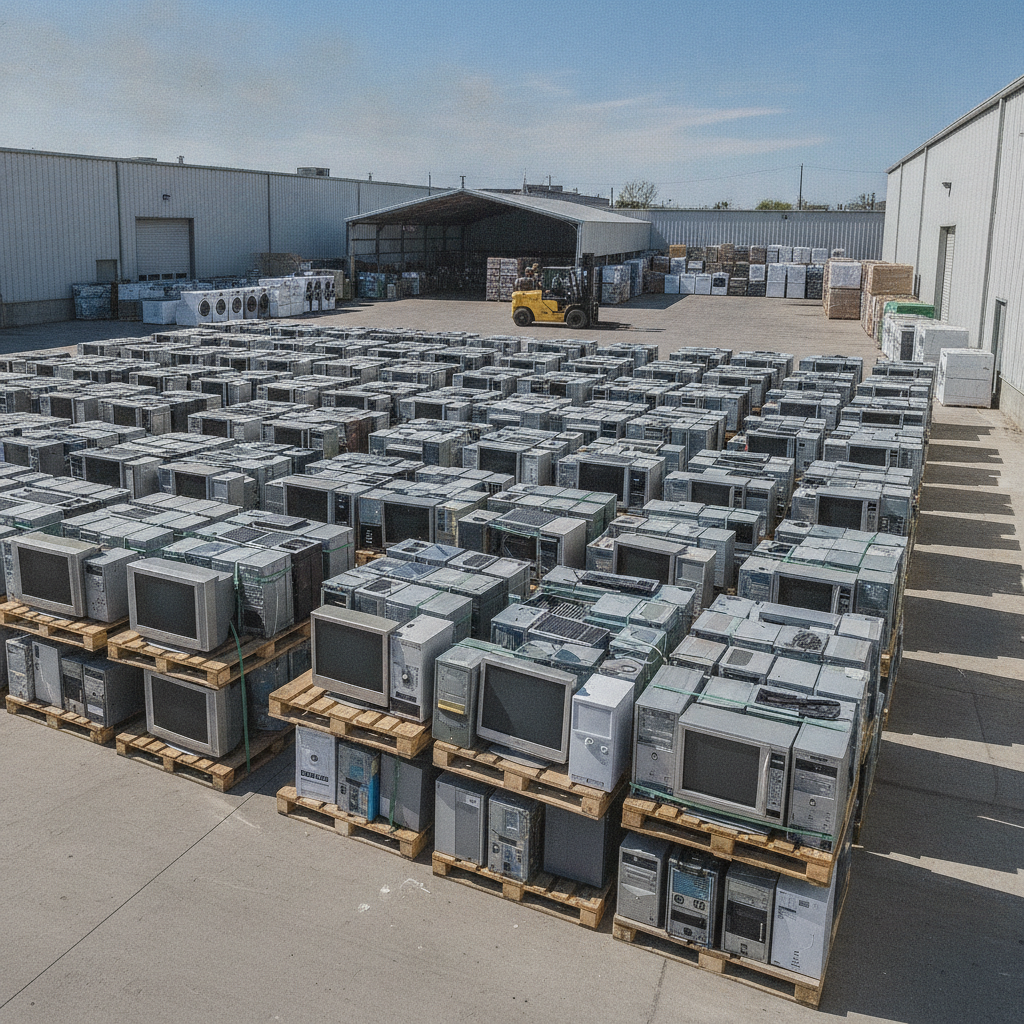
Ewaste recycling is the responsible collection and processing of unwanted electronics so their materials can be reused and hazardous parts handled safely. It keeps metals and plastics in circulation and toxins out of landfills. If you’re near 407 Rexdale Blvd in Etobicoke, you can drop devices at Quick Scrap Metal for fast, convenient service.
By Preet Dass · Last updated: June 18, 2026
Overview
E-waste recycling turns old electronics into reusable materials while preventing environmental harm. This guide explains what counts as e-waste, how certified recycling works, how to prepare devices, and where to drop them off in Etobicoke and Toronto—so you can clear clutter and recycle responsibly, fast.
Old electronics pile up quickly—phones, laptops, TVs, gaming systems, and tangled cords. Most contain recoverable metals and plastics, plus components that shouldn’t go in household trash. This overview sets the stage for safe, simple action.
- What you’ll learn: definitions, benefits, accepted items, prep steps, and drop-off options.
- Who this is for: homeowners, renters, small businesses, trades, and facility managers across the GTA.
- Why now: devices refresh fast; responsible e-waste handling protects data and the environment.
- Local help: Quick Scrap Metal in Etobicoke offers extended hours and one-stop drop-off.
We’ll keep the process practical with checklists, examples, and clear next steps you can use today.
What is e-waste recycling?
E-waste recycling is the organized recovery of materials from electronics—like copper, aluminum, plastics, and precious-metal-bearing boards—paired with safe handling of batteries, screens, and other hazardous parts. It curbs landfill use, conserves resources, and helps ensure sensitive data is destroyed before components are processed.
At its core, ewaste recycling treats devices as parts streams instead of garbage. Phones become batteries, boards, and shells. PCs become power supplies, case metal, wire, and PCBs. Each stream follows a defined path.
- Common e-waste items: phones, laptops, desktops, tablets, monitors/TVs, printers, networking gear, gaming consoles, small appliances, and cables.
- Recoverable materials: non-ferrous metals (copper, aluminum, brass), ferrous steel, plastics, glass, and precious-metal-bearing circuit boards.
- Special handling: lithium-ion batteries, CRT or mercury-backlit displays, and capacitors require trained processing.
- Local reality: Many GTA municipalities restrict electronics in curbside trash; dedicated recycling is the safer route.
For Etobicoke and Toronto residents, a walk-in yard like Quick Scrap Metal makes it easy to drop mixed devices alongside metals, appliances, and cords in one trip.
Why e-waste recycling matters
E-waste recycling reduces landfill pressure, recovers valuable metals, and avoids risks from batteries, leaded glass, and other hazardous parts. It also supports local circular-economy jobs and helps households and businesses free up space—without sending devices to the trash stream.
There are three big reasons to care: environmental protection, resource recovery, and risk reduction. Devices contain metals that can be recycled again and again. Batteries, if tossed, can spark fires. Screens need careful handling.
- Environmental benefit: Recycling keeps toxic components out of landfills and waterways.
- Material recovery: Copper, aluminum, and steel are reclaimed for new manufacturing.
- Space + safety: Clearing old gear frees storage and eliminates battery fire risks at home or work.
- Community impact: Local drop-off sites create accessible, year-round options and support responsible processors.
In our experience serving Etobicoke, we see garages full of computers and bins of tangled cables. A single organized drop-off can turn clutter into streamlined storage—and peace of mind.
How e-waste recycling works (step-by-step)
E-waste recycling starts with intake and sorting, then moves through data-device triage, battery removal, manual disassembly, and downstream processing. Metals, plastics, and boards are separated into clean streams so each can be safely refined and reintroduced to manufacturing.
When you arrive at 407 Rexdale Blvd, a team member helps unload and identify items. Here’s the typical flow.
- Check-in and assessment: Confirm item types; set aside batteries and damaged devices for safe handling.
- Data/device triage: Laptops, desktops, and phones are flagged for data-wipe steps (see Best Practices below).
- Battery removal: Lithium-ion packs are isolated in fire-safe containers; lead-acid batteries follow separate recycling channels.
- Manual disassembly: Housings, wire, heat sinks, and boards are separated to reduce cross-contamination.
- Stream separation: Non-ferrous metals (copper/aluminum), ferrous steel, plastics, and boards are consolidated.
- Downstream processing: Material streams are shipped to specialized processors and smelters.
- Documentation: For businesses, we can provide receipts and itemized notes upon request.
Each step reduces hazards while maximizing recovery value. The result: fewer risks, more resources returned to use.
Types of e-waste and accepted items at Quick Scrap Metal
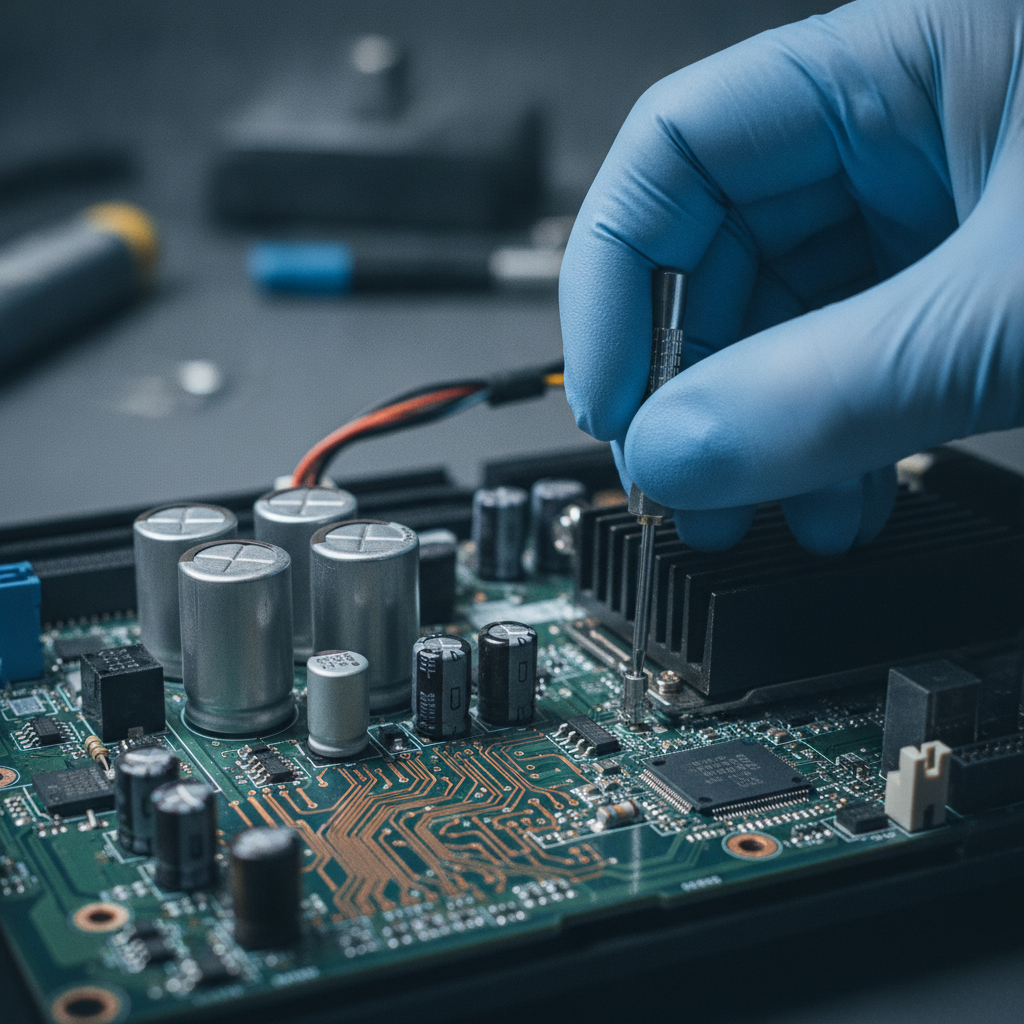
Quick Scrap Metal accepts most household and office electronics, plus related cables and components. Bring laptops, desktops, tablets, phones, printers, TVs and monitors, networking gear, small appliances, batteries, and loose wire. Mixed-metal items can go in the same trip—one stop saves time.
We’re a “If it’s metal, we buy it!” yard that also handles electronics responsibly. That means you can clear a basement or office closet in one visit.
- Computing: laptops, desktops, Chromebooks, towers, servers, keyboards, mice.
- Screens: LCD/LED monitors, flat-panel TVs, and eligible display devices.
- Home electronics: game consoles, DVD/Blu‑ray players, routers, modems, smart-home hubs.
- Office: printers, copiers (desktop-size), phones, scanners, shredders.
- Small appliances: microwaves, toasters, vacuums, range hoods, and more.
- Components: printed circuit boards (PCBs), power supplies, fans, heat sinks, and wire.
- Batteries: lithium-ion, lead-acid, and household types—handled with care.
Need a deeper list? See our electronic waste recycling centers page for category details, or explore TV and monitor recycling guidance if you’re clearing old displays.
Best practices: prepare devices and protect your data
Back up important files, sign out of cloud accounts, remove SIM/SD cards, and factory reset or wipe drives before recycling. Keep devices intact for safe handling, tape battery terminals, and bag small parts and cables. Label boxes by item type to speed up drop-off.
Data protection and safe packaging make ewaste recycling smoother for everyone. Here’s a compact checklist you can run before you head to Rexdale.
- Data steps
- Back up photos and documents to cloud or external storage.
- Sign out of Apple ID/Google/Microsoft and deactivate Find My-type locks.
- Remove SIM/SD cards; perform a factory reset (phones/tablets) or drive wipe (PCs).
- Battery safety
- Power down devices. If accessible, remove swappable batteries.
- Tape bare terminals. Place batteries in a separate, small container.
- Do not crush, bend, or puncture packs; avoid extreme heat.
- Packing and labeling
- Keep devices assembled; avoid loose shards or sharp edges.
- Use sturdy boxes; bag stray screws, dongles, and cords.
- Label by category: “Laptops,” “Cables,” “Small Appliances,” and so on.
For step-by-step data guidance, check our computer recycling and data safety guide. It walks you through backups, resets, and basic drive-wipe practices in plain language.
Drop-off vs. pickup vs. other options (comparison)
Drop-off is fastest for most households and small businesses; pickup helps with bulky, mixed loads or scrap vehicles; mail-in programs fit small, higher-value items. Choose based on volume, weight, and timing—then keep batteries isolated and devices intact for safe transit.
| Option | Best for | Pros | Considerations |
|---|---|---|---|
| Yard drop-off | Most e-waste loads; quick trips | Fast, flexible hours; help unloading; combine metals + electronics | Transport needed; pack safely and label boxes |
| Scheduled pickup | Bulky appliances; scrap cars; heavy mixed metals | No lifting or travel; one-and-done clearance | Requires scheduling; prep items curbside/garage |
| Mail-in programs | Small, specific devices (phones, wearables) | Convenient from home or office | Packing/labeling required; not ideal for large items |
If you’re near Etobicoke, dropping off at 407 Rexdale Blvd often beats waiting. Our electronics recycling services page outlines what to bring and how to combine items for a single visit.
Ewaste recycling in Etobicoke and Toronto: local how-to
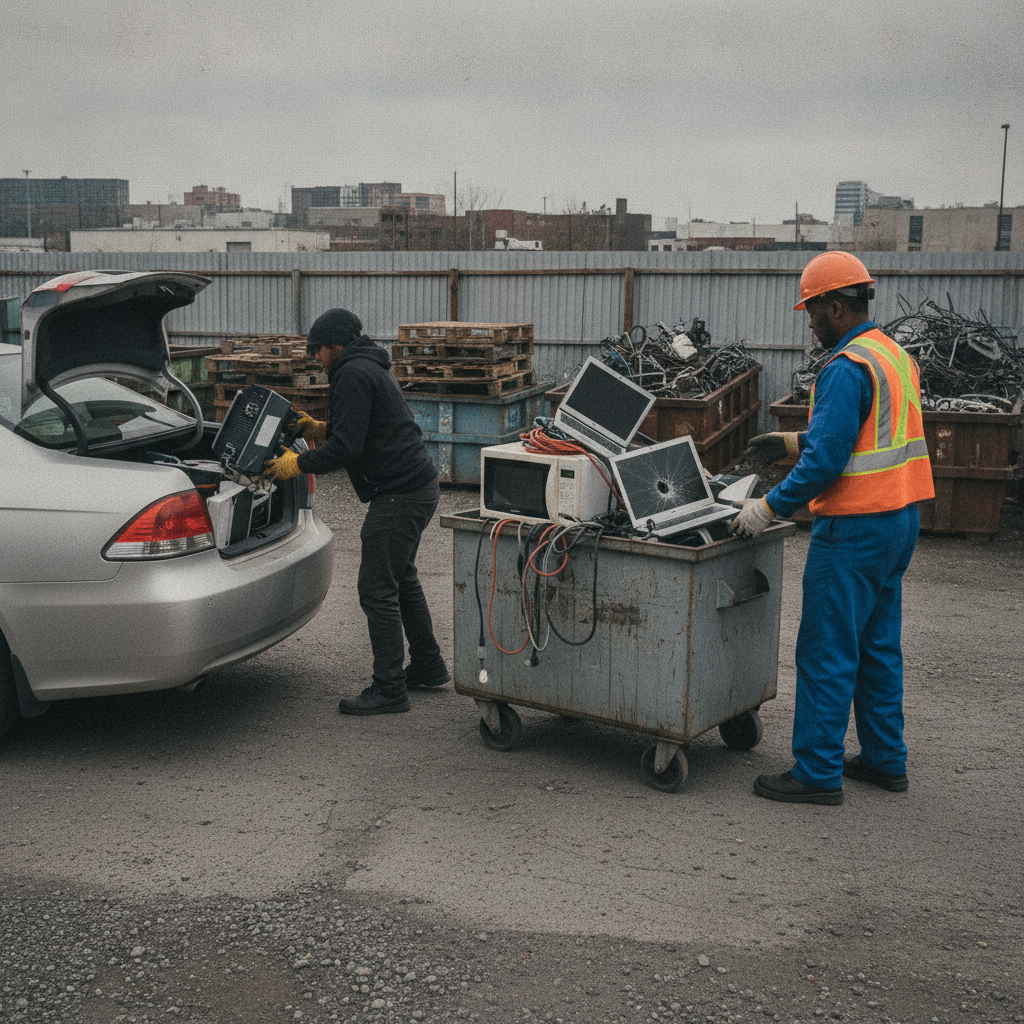
In Etobicoke and the wider Toronto area, the simplest route is a yard drop-off with extended hours. Quick Scrap Metal at 407 Rexdale Blvd accepts mixed electronics, appliances, and metals in one stop—ideal for weekend cleanouts or after-work runs across the GTA.
Voice search often asks, “Where can I recycle electronics near me?” If you’re in Etobicoke, the answer is close by. Our location near HWY 27 & Rexdale makes pop-in visits easy, with staff on hand to help unload and guide special items like batteries and monitors.
- Timing: We’re open late on weekdays and open Sundays—perfect for tight schedules.
- Mixed loads: Bring wire, small appliances, laptops, and old tools together to save trips.
- Data and batteries: Follow the prep checklist above for smooth intake and safer handling.
- Where to start: See our recycle electronics in Etobicoke overview for quick directions and tips.
Local considerations for Etobicoke
- Weekend family outings near Woodbine Mall & Fantasy Fair? Plan your drop-off before or after to avoid traffic peaks.
- Winter brings salt and moisture—keep devices dry and boxed to prevent corrosion before transport.
- Many buildings restrict storing batteries in shared areas; bring them labeled and separated to our yard for safer handling.
Tools and resources for safe ewaste recycling
Use built-in device resets, reputable wipe utilities, and basic packing materials. Keep isopropyl alcohol and microfiber cloths for quick prep, and dedicate a small bin or tote for loose cables and adapters. A simple label system speeds unloading and improves downstream sorting.
Simple tools make a big difference. You don’t need a workshop—just a plan and a few basics.
- Data tools: built-in factory reset (Android/iOS), and computer wipe utilities discussed in our computer recycling guide.
- Packing supplies: moving boxes, tape, zip-top bags for small parts, and bubble wrap for screens.
- Battery handling: painter’s tape for terminals; small, separate container for loose cells.
- Item checklists: see our e-waste recycling guide for printable prep notes.
For broader sustainability reading in the region, some local businesses post eco tips and neighborhood pages online—for example, this eco-friendly disposal post and a general Etobicoke area page—useful for planning errands and understanding local context.
Case studies and real-world examples
The fastest wins combine decluttering with safe recycling. Households clear closets, contractors empty jobsite bins, and small offices offload IT refreshes—often in one organized drop. Real examples below show how labeling and battery separation turn a stressful chore into a smooth, 20–40 minute visit.
Home cleanout in Rexdale
- Items: two laptops, a box of chargers, a flat-screen TV, and a microwave.
- Prep: factory resets completed; cords bagged; batteries taped.
- Result: unloaded in minutes with staff assistance; garage space reclaimed the same day.
Small office refresh near the Toronto airport corridor
- Items: desktops, LCD monitors, keyboards, and a printer.
- Prep: drives wiped; screens stacked with padding; cables bundled by workstation.
- Result: one trip handled mixed e-waste and metal shelving—no return visits needed.
Contractor bin from a Mississauga renovation
- Items: old range hood, wiring offcuts, routers, and small tools.
- Prep: sharp edges taped; wire coiled; tool batteries separated.
- Result: quick yard weigh-in for metals plus electronics intake—crew back to site on time.
We’ve found that clear labeling, safe battery isolation, and intact devices reduce delays and keep lines moving—especially on busy weekends.
Common mistakes to avoid
Don’t toss electronics into household trash, don’t puncture or crush batteries, and don’t skip data wipes. Avoid stripping devices down to loose shards—keep them intact—and never mix batteries with metal scrap. These errors slow intake and can create safety risks.
- Trashing devices: Many municipalities prohibit it; choose dedicated recycling.
- Damaging batteries: Punctures can cause fires; keep cells cool, intact, and taped.
- Skipping data steps: Signed-in devices can be a headache; sign out and reset first.
- Over-disassembly: Loose shards risk cuts and contamination; bring items assembled.
- Mixing streams: Keep batteries, screens, and general metals separated for faster processing.
When in doubt, bring the whole device and ask our team. We’ll guide you to the right bin and handling method.
Appliances, batteries, and beyond
Beyond phones and PCs, recycle microwaves, vacuums, small tools, range hoods, and wire bundles—plus batteries of many types. Quick Scrap Metal’s wide-acceptance policy lets you pair e-waste with scrap metal, saving time and reducing trips for households and trades.
Electronics and appliances often travel together during cleanouts. That’s why a one-stop yard is practical.
- Small appliances: microwaves, vacuums, toasters, coffee makers, and more.
- Batteries: lithium-ion, lead-acid, and common household cells—handle with care and bring separately.
- Wire and cable: extension cords, Ethernet, coax, and multi-strand wire.
- Mixed metals: faucets, ranges, rotors, and stainless items can ride along.
Planning a bigger clear-out? Skim our electronics intake checklist and the broader scrap and junk removal tips to map a single, efficient run.
How Quick Scrap Metal helps (services and hours)
Quick Scrap Metal offers walk-in drop-off with extended weekday hours and Sunday availability, fast unloading support, and broad acceptance: ferrous, non-ferrous, appliances, and e-waste. Our accessible Etobicoke yard near HWY 27 & Rexdale makes it simple to recycle responsibly without appointments.
We’re built for convenience and speed, which is why homeowners and local businesses choose us.
- Extended hours: open late on weekdays; open Sundays for weekend cleanouts.
- One-stop loads: electronics, appliances, and metal scrap together.
- Customer-first team: quick help with unloading and sorting.
- GTA service footprint: Etobicoke, Toronto, Mississauga, Brampton, and beyond.
Ready to get started? Our electronics recycling hub and Etobicoke guide outline what to bring today.
Have a mixed load? Bring electronics, appliances, and metals in one trip. Our team at 407 Rexdale Blvd will help you unload, sort, and recycle responsibly—fast.
Frequently Asked Questions
Most e-waste can be dropped off as-is, but follow simple prep: back up and reset devices, remove SIM/SD cards, keep batteries separate and taped, and label boxes by item type. Below are short answers to the questions we hear most.
What counts as e-waste?
E-waste includes electronics like phones, laptops, desktops, tablets, TVs and monitors, printers, game consoles, routers, cables, and many small appliances. If it plugs in, charges, or has a battery, it likely qualifies for e-waste recycling.
How should I prepare my devices?
Back up files, sign out of cloud accounts, remove SIM/SD cards, and factory reset or wipe drives. Power down, keep devices intact, separate batteries, and label boxes by item type. This protects data and speeds up intake at the yard.
Can I bring batteries with my electronics?
Yes. Keep batteries separate from metal scrap, tape any exposed terminals, and place them in a small container. Avoid crushing or puncturing packs. We’ll guide them to the correct recycling stream on arrival.
Do you accept TVs and monitors?
We accept many TVs and monitors. Keep screens intact and padded for transport. If you’re unsure about a specific model, check our quick TV recycling page for Etobicoke before you load up.
What’s the fastest way to unload at your yard?
Group items by category (screens, laptops, cables, small appliances). Keep batteries separate and taped. Arrive during extended weekday hours or Sundays to avoid weekday rushes. Our team will help you unload and direct each item to the right area.
Key takeaways and next steps
Recycle electronics to recover metals, protect the environment, and keep your data safe. Prep devices with backups and resets, separate batteries, and label boxes. In Etobicoke, drop everything at 407 Rexdale Blvd for fast, one-stop recycling with extended hours.
- Ewaste recycling keeps harmful parts out of landfills and returns metals to use.
- Prep by backing up, signing out, resetting, and separating batteries.
- Drop off mixed loads—electronics, appliances, and metals—in one trip.
- Use our guides: e-waste how-to and local tips.
For neighborhood planning context and eco tips, see this regional Etobicoke page. It’s handy for timing errands around drop-offs.
Conclusion
E-waste recycling is straightforward: prepare devices, separate batteries, label boxes, and choose a convenient drop-off. In Etobicoke and Toronto, Quick Scrap Metal’s extended hours and one-stop intake make responsible recycling simple for homes, trades, and businesses.
Here’s the thing: clutter grows fast, but the fix is quick. Pack once, label clearly, and head to our Etobicoke yard. You’ll free up space, protect your data, and keep valuable materials in circulation—without overthinking it.
Ready today? Visit us at 407 Rexdale Blvd for fast, friendly recycling. Start with our electronics recycling hub or the quick Etobicoke guide to plan your trip.